Best 7 Ipads for 10-Year-Olds – the Ultimate Guide
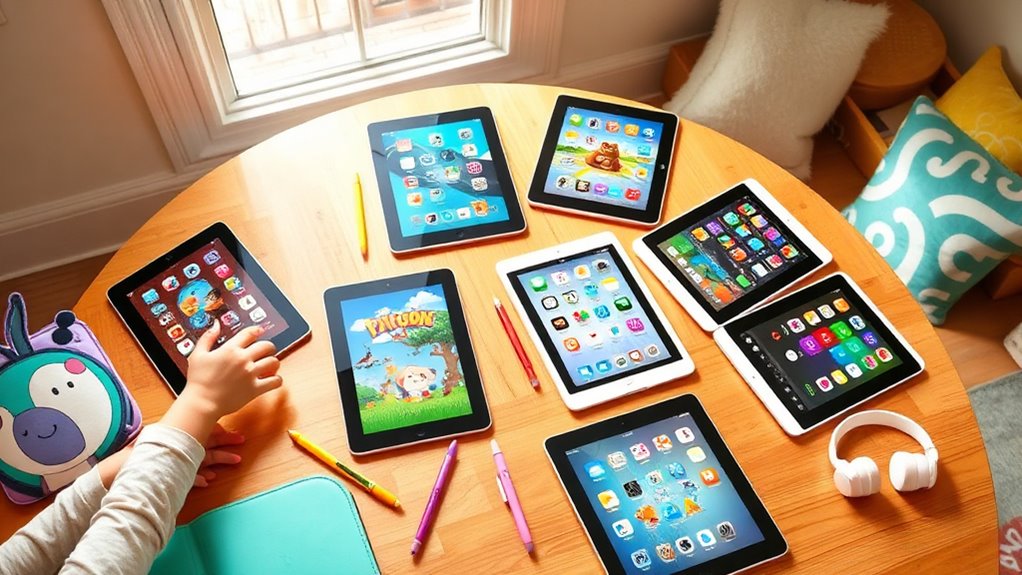
When you’re on the hunt for the best iPad for your 10-year-old, the iPad 9th and 10th generation are definitely top picks.
The 9th Gen is a budget-friendly option featuring a 10.2-inch Retina display, making it ideal for casual use and educational activities.
On the other hand, the 10th Gen boasts a larger 10.9-inch Liquid Retina display and enhanced performance, perfect for multitasking and gaming.
Both models also support the Apple Pencil, which opens up a world of creativity for your child.
So, keep exploring to find out more about their features, accessories, and some handy tips for maximizing your child’s iPad experience!
Key Takeaways
- iPad 9th Generation is budget-friendly, perfect for casual use, with a 10.2-inch display and supports the first-generation Apple Pencil.
- iPad 10th Generation offers a modern design, enhanced performance with the A14 chip, and is ideal for multitasking and gaming.
- Consider essential accessories like protective cases and kid-friendly styluses to enhance durability and usability for children.
- Utilize parental controls and screen time settings to promote safe and balanced iPad usage for educational engagement.
- Explore a variety of educational and creative apps to foster learning and creativity, making the iPad a valuable tool for children.
Which Is the Best Ipad for Kids?
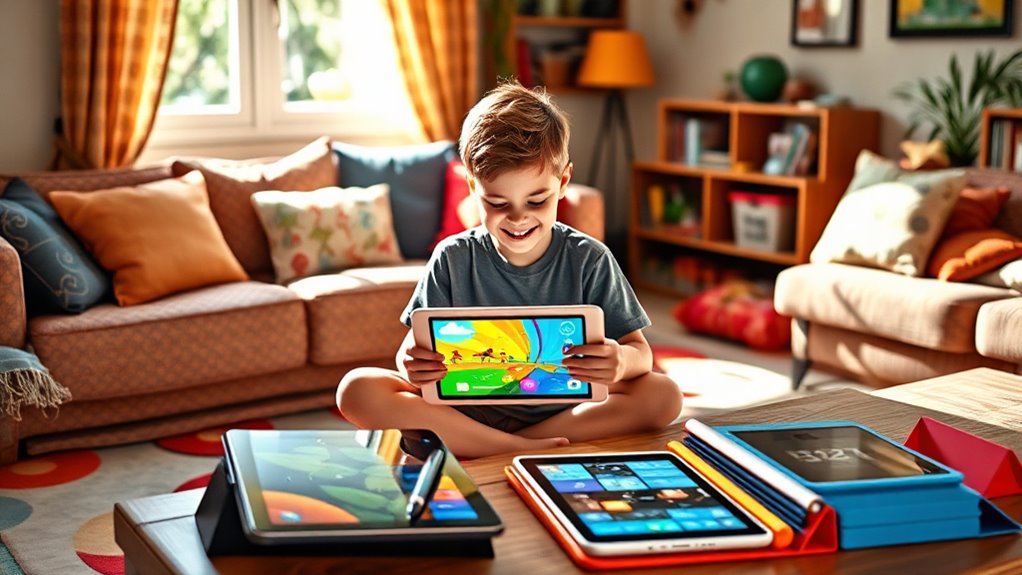
When you’re looking for the best iPad for kids, what features should you prioritize?
Start with the iPad 9th Generation. It offers a 10.2-inch screen and a budget-friendly price, making it perfect for younger children.
This entry-level iPad supports the Apple Pencil, allowing kids to explore their creativity and enhance their learning experience through drawing and note-taking.
If you have older kids who need more power for studying or gaming, consider the iPad 10th Generation. It comes with a larger 10.9-inch display.
Both models cater to different age groups and needs.
Assess your child’s age, intended use, and budget to guarantee you choose the most suitable device.
This way, you can support their developmental growth and keep them engaged!
Comparing the Ipad 9th Generation vs. Ipad 10TH Generation
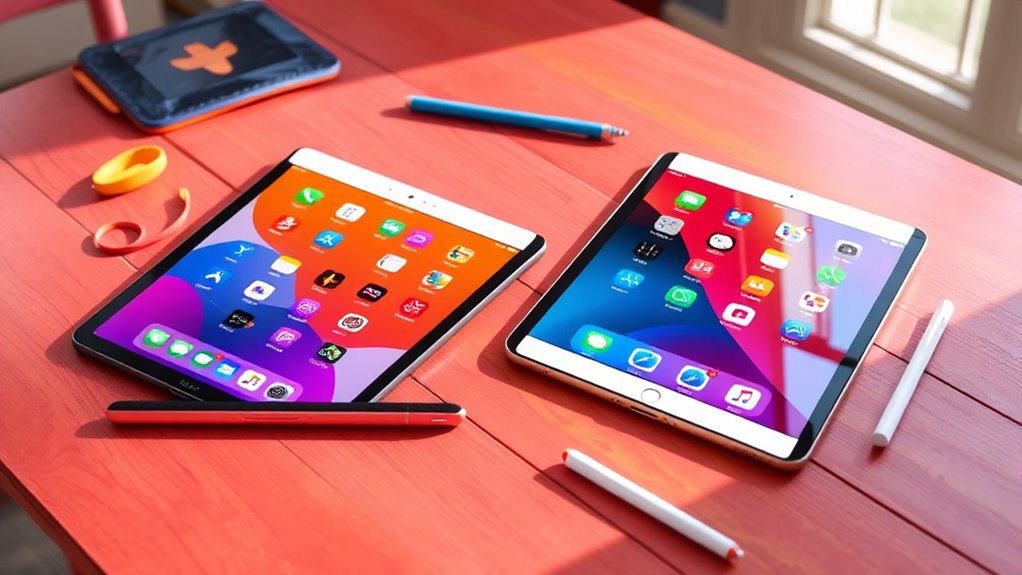
When you compare the iPad 9th Generation to the iPad 10th Generation, you’ll notice distinct differences in design and display. The 10th Gen offers a larger screen and a sleeker look, while the 9th Gen sticks to a more traditional style. Performance-wise, the 10th Gen packs a more powerful processor, perfect for demanding tasks, while the 9th Gen remains solid for everyday use.
Design and Display Differences
Many parents find themselves weighing the design and display differences between the iPad 9th Generation and the iPad 10th Generation.
The iPad 9th Generation features a 10.2-inch display, while the iPad 10th Generation offers a larger 10.9-inch screen with thinner bezels for a more immersive experience.
Though both support accessories like keyboards and the Apple Pencil, the iPad 10th Generation enhances compatibility with the latest accessories.
If you’re looking for budget-friendliness, the iPad 9th is ideal.
But for versatility and enhanced display capabilities—perfect for gaming and video watching—the iPad 10th Generation shines.
| Feature | iPad 9th Generation | iPad 10th Generation |
|---|---|---|
| Screen Size | 10.2 inches | 10.9 inches |
| Design | Traditional | Modern |
| Accessory Compatibility | Basic | Advanced |
| Best For | Basic Tasks | Versatile Use |
Performance and Capabilities Comparison
While both the iPad 9th Generation and iPad 10th Generation deliver reliable performance, their capabilities vary considerably to meet different needs.
Here’s a quick comparison to help you decide:
- Screen Size: The iPad 9th Gen has a 10.2-inch display, while the iPad 10th Gen features a larger 10.9-inch screen.
- Processor: The iPad 10th Gen is equipped with a more powerful processor, ideal for gaming and intensive tasks.
- Budget: The iPad 9th Gen is more budget-friendly, making it perfect for younger kids or casual use.
- Advanced Features: The iPad 10th Gen supports graphic design and video editing, catering to older kids and families needing more robust capabilities.
Ultimately, your choice should align with your child’s needs and intended usage.
Ipad 9th Generation Features and Benefits
The iPad 9th Generation is an excellent choice for 10-year-olds, combining performance and affordability in a compact design.
Its 10.2-inch Retina display offers vibrant visuals, making it perfect for games and educational apps.
The A13 Bionic chip guarantees smooth performance for all your child’s activities, from studying to streaming. Plus, it supports the first-generation Apple Pencil and external keyboards, fostering creativity and learning.
Here’s a quick overview of its standout features:
| Feature | Description | Benefit |
|---|---|---|
| Retina Display | 10.2-inch full-size | Clear, vibrant visuals |
| A13 Bionic Chip | Powerful performance | Smooth gaming and multitasking |
| 12MP Ultra Wide Camera | Center Stage for video calls | Engaging online learning |
This budget-friendly model is perfect for parents who want durability and versatility.
Ipad 10TH Generation Features and Benefits
For parents seeking a powerful and stylish tablet for their 10-year-olds, the iPad 10th Generation stands out with its impressive features.
Here’s what makes it a great choice:
- 10.9-inch Liquid Retina display – Enjoy a larger and immersive viewing area for games, videos, and educational content.
- A14 Bionic chip – Experience enhanced performance for multitasking, gaming, and creative applications, suitable for intensive use.
- Support for Apple Pencil and Smart Keyboard – Utilize versatile tools for note-taking and schoolwork, enhancing productivity.
- 12MP Ultra Wide front camera with Center Stage – Ideal for video calls and online learning, ensuring your child stays connected.
With its modern design and colorful options, the iPad 10th Generation appeals to kids and families alike.
Choosing the Right Ipad for Your Child
When it comes to selecting the right iPad for your child, understanding their needs and usage habits is crucial.
If your 10-year-old is just starting out, the iPad 9th Generation is a fantastic entry-level choice. Its 10.2-inch screen is perfect for schoolwork and entertainment while being budget-friendly.
However, if your child is older or requires more power for gaming and video streaming, consider the iPad 10th Generation. It boasts a larger 10.9-inch screen and a more advanced processor.
Both models support the Apple Pencil and keyboards, which enhances creativity and learning.
Always evaluate your budget and your child’s specific needs to ensure you choose the best iPad that fits their age and usage requirements.
Essential Ipad Accessories for Kids
Finding the right accessories can make a big difference in how your child uses their iPad.
Choosing the right accessories significantly enhances your child’s iPad experience.
Here are some must-have accessories to enhance their experience:
- Protective Cases: Look for rugged cases that can withstand drops and spills. This ensures your child’s device stays safe.
- Screen Protectors: Tempered glass options are great for preventing scratches and damage. Plus, they maintain display clarity.
- Kid-Friendly Styluses: These are perfect for drawing or note-taking. They’re especially useful for iPads supporting the first-generation Apple Pencil.
- Fun Grips and Stands: Colorful grips or stands can make using the iPad more enjoyable. They also provide comfort during gaming or educational activities.
With these accessories, your child’s iPad experience will be both fun and safe!
Tips for Maximizing Your Child’s Ipad Experience
To make the most of your child’s iPad experience, start by setting usage limits to guarantee balanced screen time. Encourage them to explore educational apps that boost their learning while also supporting creative projects. This way, you’ll foster a fun and productive environment that enhances both education and creativity.
Set Usage Limits
Setting usage limits on your child’s iPad can greatly enhance their experience while promoting healthy habits.
By managing screen time effectively, you can foster a balanced lifestyle. Here are some strategies to contemplate:
- Utilize Screen Time to set daily usage limits for specific apps and overall device use.
- Create downtime schedules that restrict iPad access during certain hours, encouraging offline activities.
- Set app limits for both educational and entertainment apps to guarantee productive use of time.
- Enable content and privacy restrictions to control access and provide a safer browsing experience.
Regularly review usage reports in Screen Time to monitor habits and adjust settings as needed.
This way, you can promote responsible iPad use for your child.
Explore Educational Apps
Exploring educational apps can greatly enhance your child’s iPad experience and support their learning journey.
The App Store offers a vast selection tailored for kids, including interactive games and resources covering math, science, and language arts.
Apps like Khan Academy Kids and Duolingo make learning fun through engaging, gamified content.
Additionally, consider powerful note-taking apps such as Notability and GoodNotes, which help your child organize schoolwork and study materials effectively.
To guarantee educational activities remain a priority, set up parental controls to limit app usage and manage screen time.
Regular updates to iPadOS introduce new features and apps, keeping the device relevant and continuously enhancing your child’s educational opportunities.
Embrace these tools to foster a love for learning!
Encourage Creative Projects
While your child may enjoy playing games on their iPad, encouraging them to dive into creative projects can really enhance their skills and imagination.
Here are some tips to maximize their iPad experience:
- Explore creative apps from the App Store, like drawing, music-making, and video editing tools. These can really boost their artistic talents.
- Consider using the Apple Pencil with the iPad 9th or 10th Generation for more precise drawing and note-taking. It makes the whole experience more engaging!
- Get involved in educational projects using productivity apps like Pages, Keynote, and Numbers. These can help enhance their presentation skills.
- Don’t forget about the iPad’s high-quality camera! It’s perfect for inspiring photography projects, allowing your child to capture and edit images creatively.
Encouraging creativity can open up a whole new world of possibilities for your child!
Frequently Asked Questions
What Are the Best Educational Apps for Kids on Ipads?
Some of the best educational apps for kids on iPads include Khan Academy Kids, ABCmouse, Duolingo, and Tynker. These apps engage your child in learning through fun activities, interactive lessons, and creative challenges that spark curiosity.
How Can I Set up Parental Controls on an Ipad?
To set up parental controls on an iPad, open Settings, tap Screen Time, then choose “Use Screen Time Passcode.” From there, you can manage app limits, content restrictions, and privacy settings tailored for your child’s safety.
Are There Any Ipad Models Specifically Designed for Children?
There aren’t any iPad models specifically designed for children. However, you can choose any iPad and customize it with parental controls, educational apps, and protective cases to make it suitable for your child.
How Durable Are Ipads for Young Users?
iPads are generally durable but not indestructible. For young users, you’ll want to invest in a sturdy case and screen protector to handle drops and spills, ensuring they last through everyday adventures and mishaps.
Can Ipads Be Used Without an Internet Connection?
Yes, you can use iPads without an internet connection. You’ll still access downloaded apps, play offline games, and enjoy media like movies and music. Just make sure to download content beforehand for uninterrupted fun!
Conclusion
Ultimately, choosing the right iPad for your 10-year-old can really enhance their learning and playtime.
Did you know that kids who use tablets for educational purposes can boost their academic performance by up to 30%?
By picking the iPad that suits your child’s needs and pairing it with essential accessories, you’re setting them up for success.
So, whether it’s the iPad 9th or 10th generation, you can’t go wrong with either choice!
In conclusion, selecting the best iPad for your 10-year-old not only supports their education but also encourages creativity and engagement.
With the right device and accessories, you can significantly improve their learning experience and playtime.
Whether you opt for the iPad 9th or 10th generation, investing in a quality tablet will undoubtedly benefit your child’s development.