
What Is an LCD Writing Tablet and How Does It Work?
An LCD writing tablet is a lightweight, eco-friendly tool designed for jotting down notes and creating drawings using a stylus.
It utilizes advanced liquid crystal display technology along with pressure-sensitive sensors, enabling your strokes to appear instantly on the screen.
This feature makes it perfect for quick sketches or writing down ideas on the go.
What’s more, erasing your creations is as simple as pressing a button, allowing for repeated use without any waste.
Whether you’re doodling in a meeting or brainstorming your next big project, there’s a lot to love about this versatile device.
With its user-friendly design, you can easily explore all the additional features and benefits it offers!
Key Takeaways
- An LCD writing tablet uses liquid crystal display technology to create images and text by applying pressure with a stylus.
- It operates on a coin-cell battery, eliminating the need for recharging and supporting long-term use.
- The screen allows for tens of thousands of erase-and-rewrite cycles, promoting sustainability and reducing paper waste.
- Safety features include non-toxic materials and secure battery compartments to ensure child safety during use.
- The tablets are portable and lightweight, making them ideal for children aged 3 to 12 for on-the-go creativity.
Understanding the Technology Behind LCD Writing Tablets
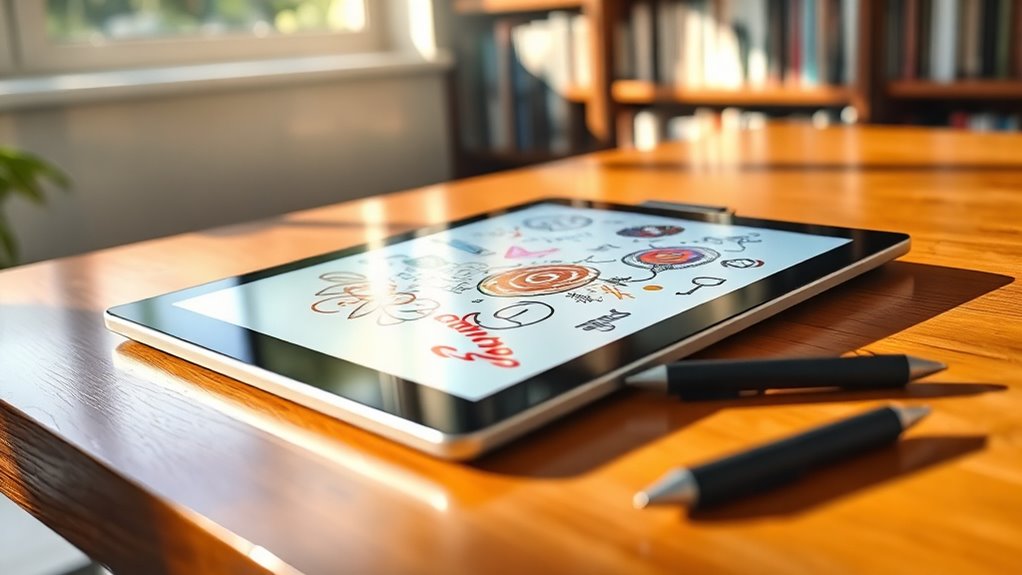
LCD writing tablets are a fascinating blend of technology and practicality that revolutionizes the way we create and erase images or text.
By using liquid crystal display (LCD) technology combined with pressure-sensitive sensors, you can craft notes or drawings simply by applying pressure with a stylus.
Utilizing LCD technology and pressure-sensitive sensors, you can effortlessly create notes and drawings with just a stylus.
There’s no need for charging or power sources during use; a coin-cell battery powers the display for long periods.
When you press the screen, the liquid crystals align to either block or allow light, making your writing visible.
With the capability for tens of thousands of erase-and-rewrite cycles, these tablets are incredibly durable, reducing your reliance on paper.
The smooth writing experience encourages kids to practice their skills effortlessly.
The Design and Components of LCD Writing Tablets
While exploring the design of LCD writing tablets, you’ll find they combine essential components for a seamless user experience.
At the core is the LCD screen, utilizing liquid crystal pressure-sensitive technology, which lets you write or draw effortlessly with a stylus on a smooth surface.
The main components include the stylus, a clear button for easy erasing, and a battery, often a low-power coin-cell type like CR2025 or CR2032, ensuring long-lasting use.
Many designs prioritize safety, featuring secure battery compartments and responsive buttons to prevent accidental erasure.
You can choose from various sizes, typically ranging from 8.5 to 16 inches, making these tablets ideal for different settings, whether you’re traveling or using them at home.
The Benefits of Using an LCD Writing Tablet for Children
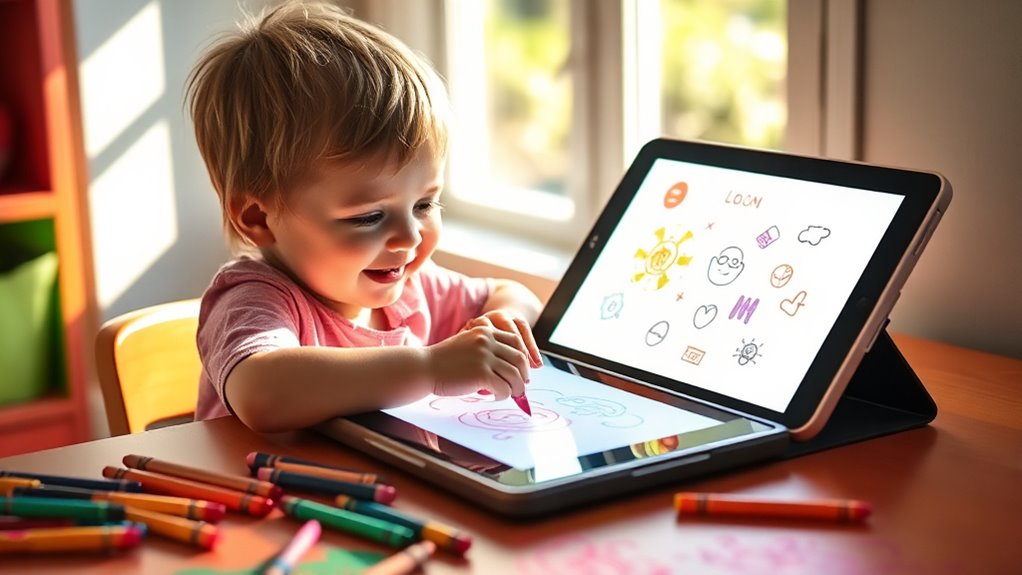
Using an LCD writing tablet is a smart way to promote eco-friendly learning for your child. These tablets are not only portable and convenient for travel, but they also help reduce paper waste considerably. With their user-friendly design, your child can enjoy writing and drawing anywhere, anytime, without the need for chargers or internet access.
Eco-Friendly Learning Tool
Imagine a world where your child can explore their creativity without the constraints of paper waste.
LCD writing tablets make this possible, offering a reusable platform that supports tens of thousands of erase-and-rewrite cycles.
By reducing the need for traditional paper and writing supplies, these tablets not only promote eco-friendly habits but also align with low-carbon parenting concepts, saving your family money.
Your child can freely practice their drawing and writing skills without fearing wasted materials, making learning enjoyable.
With a simple, user-friendly design, they can gradually progress from basic shapes to complex letters and numbers.
Lightweight and portable, these tablets keep your child engaged while minimizing their environmental impact.
It’s a win-win for creativity and the planet!
Portable and Convenient Use
LCD writing tablets are the perfect companion for kids on the go. They offer lightweight and portable convenience that fits seamlessly into your busy lifestyle.
Ranging from 8.5 to 16 inches, they’re designed for small hands, making it easy for your child to engage in creative activities anywhere.
Plus, they don’t need charging or an internet connection, so your little ones can enjoy uninterrupted use during long waits at restaurants or while traveling.
Their silent operation means you won’t have to deal with noisy distractions, creating a peaceful atmosphere for everyone.
And since they’re reusable, these tablets help reduce paper waste. They promote eco-friendly habits while providing a cost-effective solution for both educational and recreational activities.
Potential Limitations of LCD Writing Tablets
While LCD writing tablets offer convenience, they come with significant limitations that you should consider. These devices can hinder your child’s writing practice, lack content management options, and often struggle with display precision. Understanding these drawbacks can help you make informed choices about your child’s learning tools.
Writing Practice Limitations
Although LCD writing tablets offer a fun and innovative way to express creativity, they come with several limitations that can affect writing practice.
The smooth screen surface may hinder your ability to develop pen control and pressure application, which is essential for children learning to write.
Since content can’t be saved, erased creations are lost forever, discouraging careful thought during the creative process.
The monochrome display limits artistic expression, making it more suitable for simple doodles rather than intricate designs.
Additionally, limited writing precision might not satisfy those aspiring to create detailed work, leading them to prefer traditional tools.
Over-reliance on these tablets could also diminish engagement with conventional writing methods, fostering a dependency on electronic devices.
Content Management Challenges
When you use an LCD writing tablet, one of the major challenges you’ll face is managing your content effectively.
Here are some specific limitations to evaluate:
- No Save Function: Once you erase your work, it’s gone forever. This makes it hard to keep memories or ongoing projects.
- Accidental Erasures: The responsive buttons are convenient, but they can lead to unintentional deletions. This can definitely cause frustration.
- Limited Review Opportunities: Without a save option, kids miss out on reflecting on their creations. This can hinder their learning process.
- Lack of Advanced Features: You won’t find multi-page capabilities or content organization tools. This really restricts your ability to tackle complex projects.
Display and Precision Issues
Despite their convenience, LCD writing tablets come with display and precision issues that can limit your creative expression.
Their monochrome displays restrict your color options, making them better for simple designs rather than intricate artwork.
You’ll notice that the smooth surface of the LCD screen doesn’t mimic the tactile feel of paper, which might affect your pen control and pressure application, especially for kids learning to draw.
Precision can be a challenge, as these devices excel at basic lines and letters but falter with detailed creations.
Plus, if you erase your work, it’s gone for good, which may discourage you from taking your time.
Relying on these tablets could also lessen your engagement with traditional writing tools, hindering diverse learning methods.
Ideal Age Groups for LCD Writing Tablets
LCD writing tablets are perfect for children aged 3 to 12, as they adapt to various developmental stages and interests.
Here’s how these tablets cater to different age groups:
- Ages 3–6: They help preschoolers develop essential drawing skills and fine motor coordination through doodling and basic writing practice.
- Ages 6–9: Lower-grade elementary students can practice letters and numbers while engaging in creative activities without wasting paper.
- Tech-Savvy Kids: Children drawn to smartphones and tablets find these tablets a simpler, educational alternative that boosts creativity and learning.
- Travel-Friendly: Their lightweight and portable design keeps kids occupied during trips or waiting times, making them a great companion for any journey.
With so much to offer, these tablets can grow with your child!
Key Considerations for Purchasing an LCD Writing Tablet
As your child explores the benefits of an LCD writing tablet, it’s important to know what to look for before making a purchase.
First, consider the size based on its intended use. A portable tablet is great for travel, while a larger screen is better for home interactions.
Consider the size of the LCD writing tablet for its intended use: portable for travel or larger for home activities.
Make sure the tablet has a clear screen with excellent writing performance. Focus on legibility and smoothness for the best experience.
Don’t forget child safety features like secured battery compartments and rounded designs.
Durability is essential too, especially for educational models that may endure rough handling.
Finally, if you’re buying for resale, think about customization options in color and packaging to appeal to different consumer preferences.
Frequently Asked Questions
Are LCD Writing Tablets Safe for Young Children to Use?
Yes, LCD writing tablets are safe for young children. They feature secure battery compartments, rounded designs, and responsive buttons, minimizing risks while allowing kids to express their creativity without worrying about accidental erasure or sharp edges.
Can I Use Any Stylus With an LCD Writing Tablet?
You can use any stylus with an LCD writing tablet, but it’s best to stick with the provided one. Generic styluses might not offer the same experience and can potentially damage the screen over time.
How Long Does the Battery Last in an LCD Writing Tablet?
The battery in your LCD writing tablet can last several months, depending on how frequently you use it. You can typically erase and rewrite thousands of times before needing a replacement.
Can I Connect an LCD Writing Tablet to My Computer?
Imagine your creativity flowing like a river. You can’t connect most LCD writing tablets to your computer, but some advanced models offer Bluetooth or USB options. Check your tablet’s specs to see if you’re in luck!
Is the Screen of an LCD Writing Tablet Fragile?
The screen of an LCD writing tablet isn’t overly fragile, but it can crack under excessive force. You should handle it carefully to prevent damage and guarantee it lasts through regular use, especially by kids.
Conclusion
In a world buzzing with screens, an LCD writing tablet is your canvas, inviting creativity to flow like a river. It simplifies learning, sparking joy in every stroke.
While it has its limits, it’s a bridge to imagination for young minds.
So, as you choose the perfect one, remember it’s not just a tool—it’s a spark, igniting ideas and dreams.
Embrace the journey, and let your child’s thoughts dance across that vibrant, blank slate.
In conclusion, an LCD writing tablet is more than just a gadget; it’s a gateway to creativity and learning. It encourages kids to express themselves freely, making learning fun and engaging.
Choose wisely, as the right tablet can inspire your child’s imagination and help them develop their ideas. So, take the plunge, and watch those dreams come to life on that bright surface!